Self-run stocktaking, with your teams’ phones
Your staff count by themselves with Quantinvo, the stocktaking app on their smartphone. You follow progress live, check what needs checking and export the report.

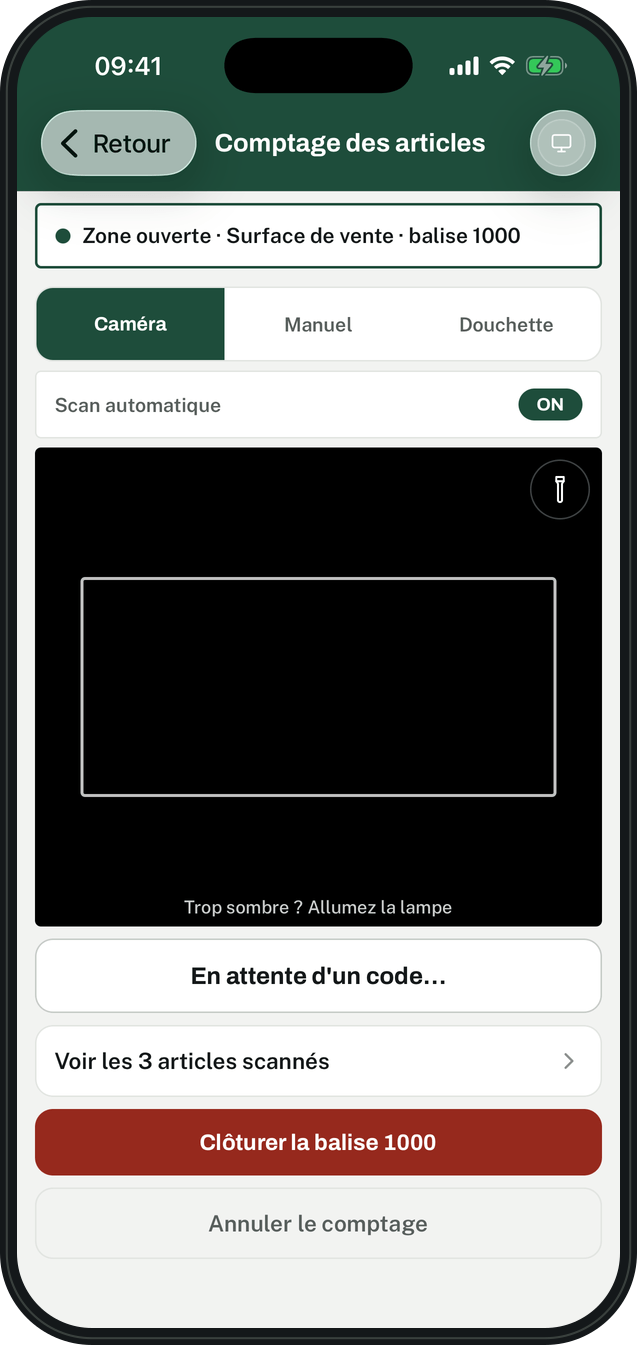
Everything you need to count on your own
An app on everyone’s phone, and a space on the computer to follow it all.
Camera scanning
The phone reads barcodes and adds each piece. Auto-scan moves from item to item without touching the screen.
Your handheld scanners, if you have them
Zebra, Honeywell or a Bluetooth reader: connect them to the phone and count as usual.
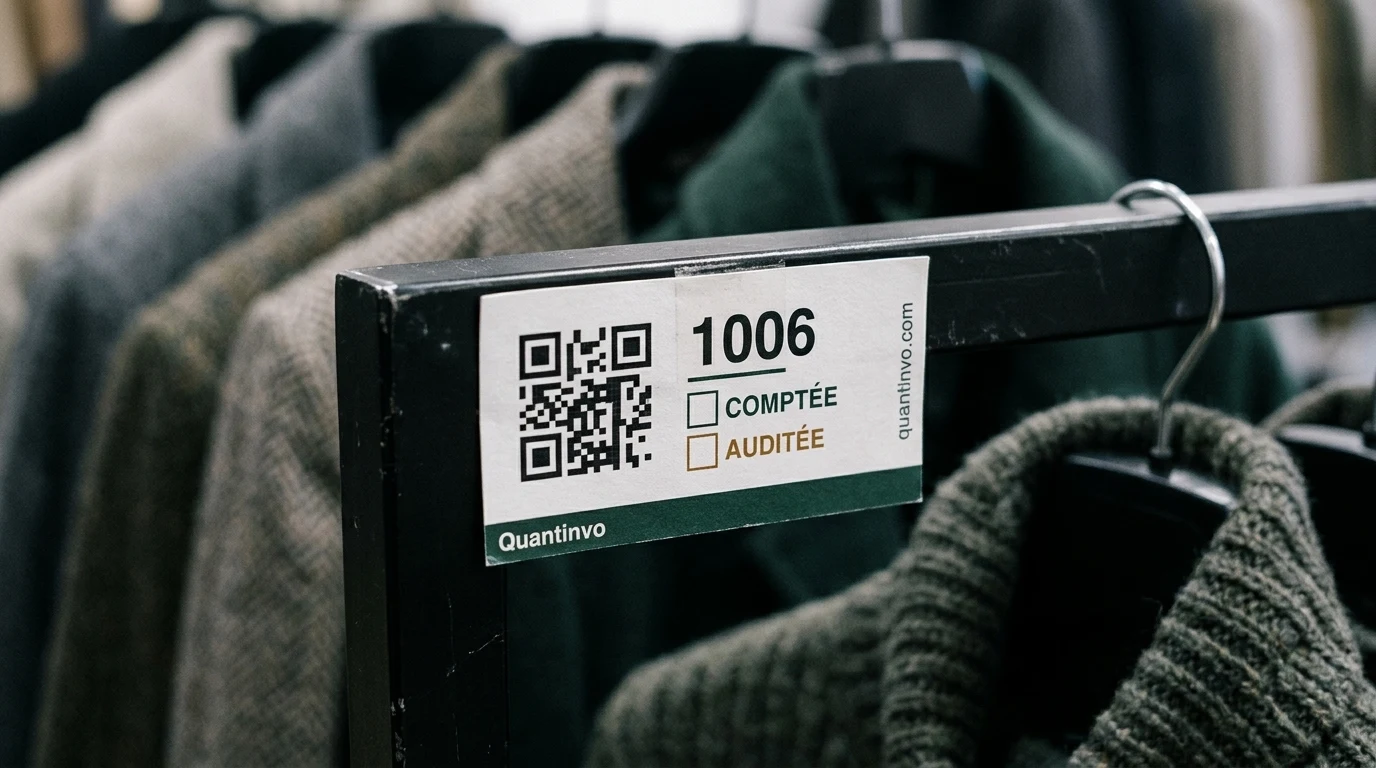
One tag per shelf
Print the tags, stick them up, assign them to the stockroom or the sales floor. Each person opens their zone by scanning it.
Offline
At the back of the stockroom, counting carries on. Everything is sent as soon as the phone is back online.
Your files as they are
Import your item list and book stock in Excel or CSV, with your software’s column names: SKU, EAN, GTIN, Qty…
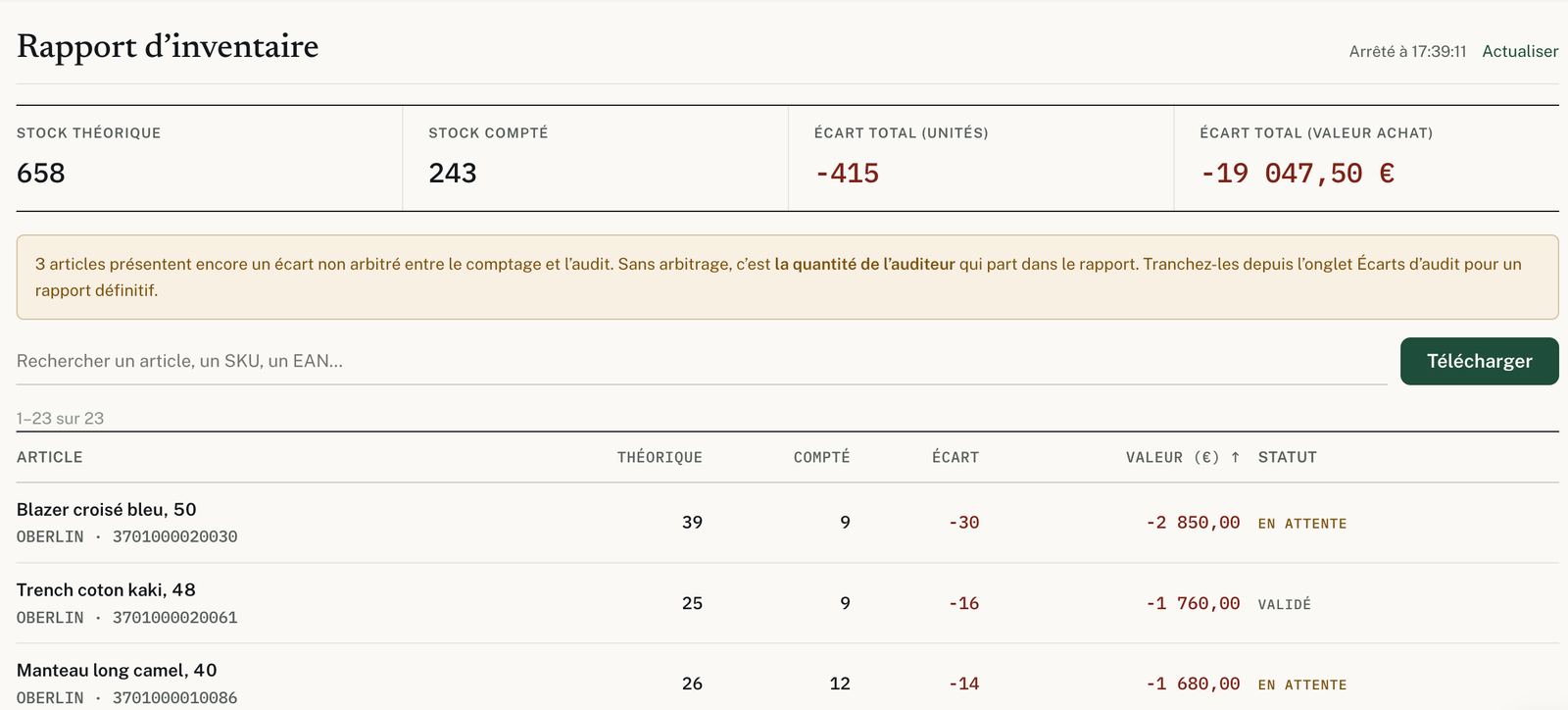
A report you can rely on
Book stock, counted stock, variance in pieces and in purchase value, item by item. Export it to Excel.
Four steps, from file to report
The same flow for an annual stocktake, a sensitive aisle or one zone a week.
Prepare
Create the inventory, import your files, print the tags and invite your team.
Count
Everyone scans with their phone, each in their own zone. The supervisor sees progress tag by tag.
Check
Someone else recounts what needs it. Where the two counts differ, the supervisor keeps the right figure.
Correct
The report sets what is missing and what is in excess against expected stock. Adjust your stock knowing exactly why.
Why count with your own teams
The people who stock the store are the ones who count it best.
They know every item
Your staff know where every item goes. They count right the first time.
You choose the date
An evening after closing, a morning before opening, one zone a week: the calendar is yours.
Known in advance
One price per store, shown on the website, updates and accounts included.
It stays yours
Hosted in the European Union, downloadable at any time.
For every size of business
The price follows how many devices count at the same time. Price per store. VAT not applicable, article 293 B of the French General Tax Code.
The independent shop
Essential, up to 2 devices.
The store and its team
Advanced, up to 20 devices.
The department store, the warehouse
Enterprise, up to 100 devices.
Just one stocktake a year
Rent Quantinvo for a week, with as many devices as you need.
The questions we get asked
What equipment do I need?
One phone or tablet per person counting, iPhone or Android. Your handheld scanners connect too.
How many people can count at the same time?
Up to 100 counters on one inventory.
How many items can one inventory hold?
Up to 100,000 SKUs per inventory.
My stock is in my till software. How do I bring it in?
Export it to Excel or CSV and import the file as it is. Quantinvo recognises the most common column names.
How do I train the team?
The first time they open it, the app shows each counter the three steps: scan the tag, scan the items, finish the tag.
Count on your own with Quantinvo
Your teams, their phones, and a report you can rely on at every stocktake.